How to Choose the Best Curved Screen for Your Needs?
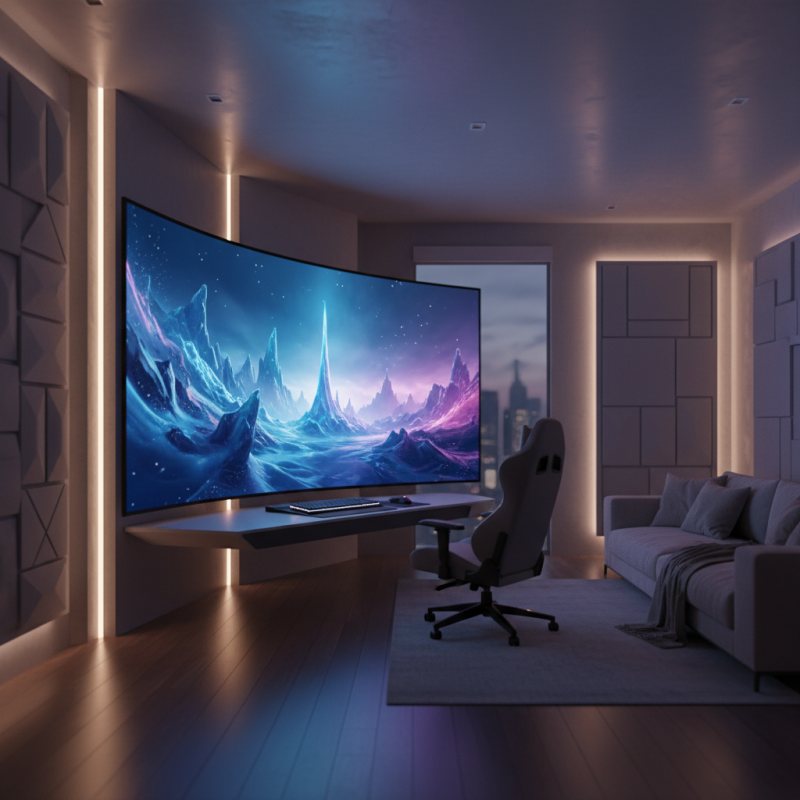
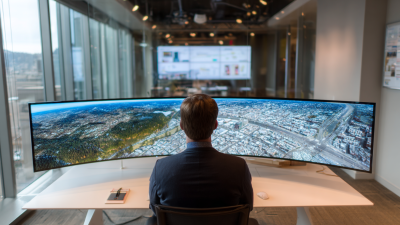
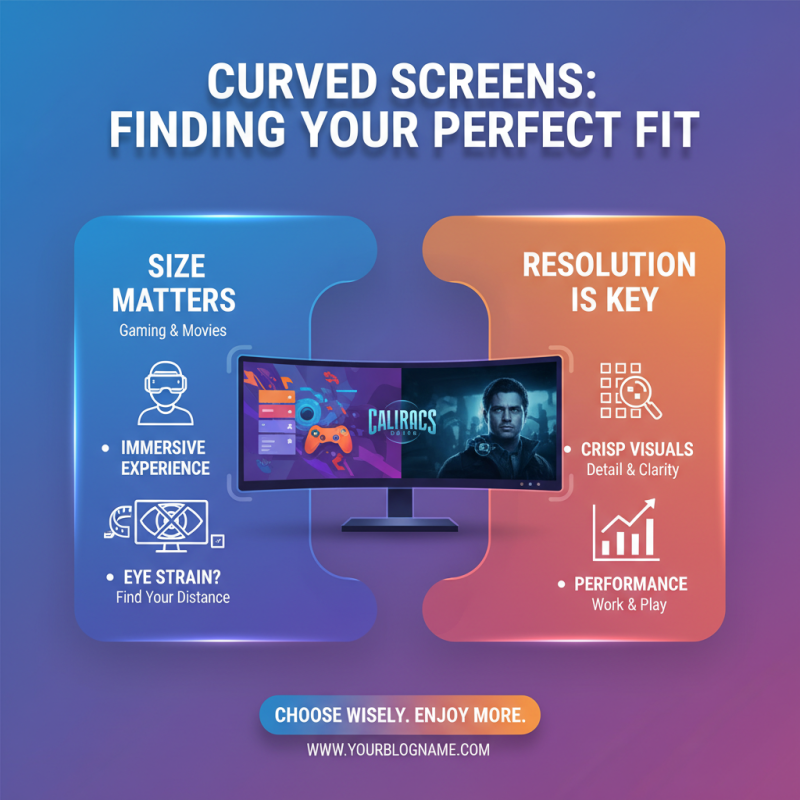
Choosing the right curved screen can enhance your viewing experience significantly. A curved screen provides a more immersive feel. It often wraps around your field of vision, drawing you into movies or games.
However, selecting the best one isn't straightforward. With various sizes, resolutions, and features available, it’s easy to feel overwhelmed. Do you prefer a monitor for gaming or a larger screen for movies? These details matter.
It’s essential to consider how you plan to use your curved screen. Think about your workspace and viewing distance. Sometimes, what looks appealing may not fit perfectly in your setup. Reflect on your needs before making that purchase.
Understanding the Benefits of Curved Screens for Your Viewing Experience
Curved screens have gained popularity for their immersive viewing experience. A study from the International Display Consortium found that these displays can enhance the perception of depth. The subtle curvature draws viewers in, making images appear more vivid.
Research shows that curved monitors reduce eye strain. Their design minimizes reflections and glare. This feature is beneficial for long hours of use, especially for gamers and professionals alike. However, not all users appreciate the curvature. Some may find it distracting or uncomfortable.
Choosing the right curvature matters. A gentle curve often suits general use. Meanwhile, more pronounced curves may enhance cinematic experiences. Yet, personal preference plays a significant role. Evaluating your specific needs is crucial before making a choice. Test different models when possible, as comfort can vary widely.
Benefits of Curved Screens for Your Viewing Experience
Key Features to Consider When Choosing a Curved Screen Monitor
When selecting a curved screen monitor, several critical features deserve attention. First, consider the curvature radius. Studies show that a curvature of 1800R to 4000R enhances immersion, making visuals more engaging. However, a tighter curve might not suit every user, especially those who multitask.
Resolution is another important aspect. The market trend indicates that 4K resolution is preferred for gaming and high-definition graphics. Reports suggest users experience lesser eye strain with higher resolution displays. Yet, not everyone needs 4K. Full HD displays are still widely satisfactory for general usage.
Lastly, think about the panel technology. VA panels often provide better contrast ratios, while IPS panels offer wider viewing angles. Data reveals that 65% of professionals favor IPS for color accuracy, but it typically has slower response times. This reflects a trade-off that users must carefully evaluate based on their specific needs. Ultimately, a deeper understanding of these features can lead to a more informed decision.
Comparing Different Panel Technologies for Curved Screens: IPS vs. VA vs. TN
When choosing a curved screen, panel technology plays a crucial role. The three main types are IPS, VA, and TN. IPS panels provide excellent color accuracy and wide viewing angles. They are ideal for graphic designers or photographers. However, they might not perform well in dark scenes. VA panels offer better contrast and deeper blacks. They are suitable for movie lovers and gamers. Yet, they can suffer from slower response times.
TN panels are known for their fast response times, making them popular among competitive gamers. They typically come at a lower price. However, their color reproduction and viewing angles are often poorer compared to the other two. This can be a significant drawback, especially in collaborative environments.
In evaluating these technologies, consider your primary usage. Do you need vibrant colors or fast performance? Investing in a high-quality panel may yield better satisfaction in the long run. Remember, personal preferences matter. Finding the right balance between image quality and performance can be challenging.
How to Choose the Best Curved Screen for Your Needs?
| Panel Technology |
Pros |
Cons |
Best For |
| IPS |
Wide viewing angles, accurate colors, good for professional work |
Slower response times, more expensive |
Graphic design, photo editing, office work |
| VA |
High contrast ratio, better blacks, good color reproduction |
Narrower viewing angles, slower response times than IPS |
Watching movies, gaming, general use |
| TN |
Fast response times, generally cheaper, good for gaming |
Poor color accuracy, narrow viewing angles |
Competitive gaming, budget builds |
Budgeting: Finding the Right Curved Screen within Your Price Range
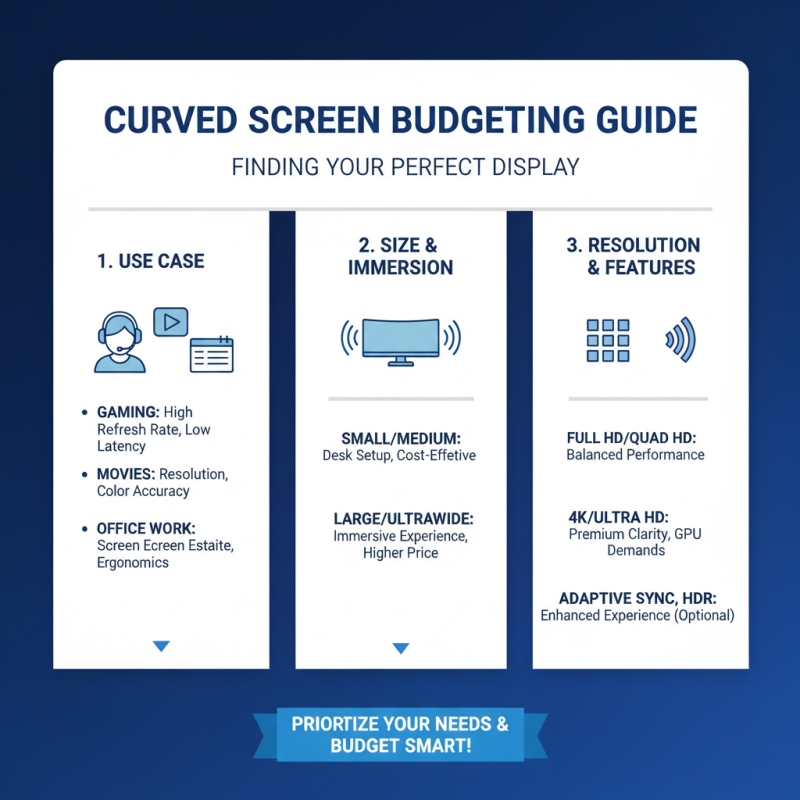
When budgeting for a curved screen, it's crucial to understand your needs. Start by determining how you will use the screen. Will it be for gaming, watching movies, or office work? Each use case may require different specs. Think about the size that fits your space. A larger screen offers an immersive experience, but it may strain your budget.
Price ranges vary widely. You can find basic models for a few hundred dollars, yet high-end displays may cost thousands. Assess what features you truly need. High resolution and refresh rates enhance visuals but can inflate prices quickly. Look for sales and reviews to find options within your budget.
Don't forget about additional costs. Cables, mounts, and warranties can add up. You may be tempted to spend more for the latest technology, but consider if you will genuinely use those features. Remember, spending wisely leads to better satisfaction in the long run. Reflect on your previous purchases. Did you use everything you paid for?